
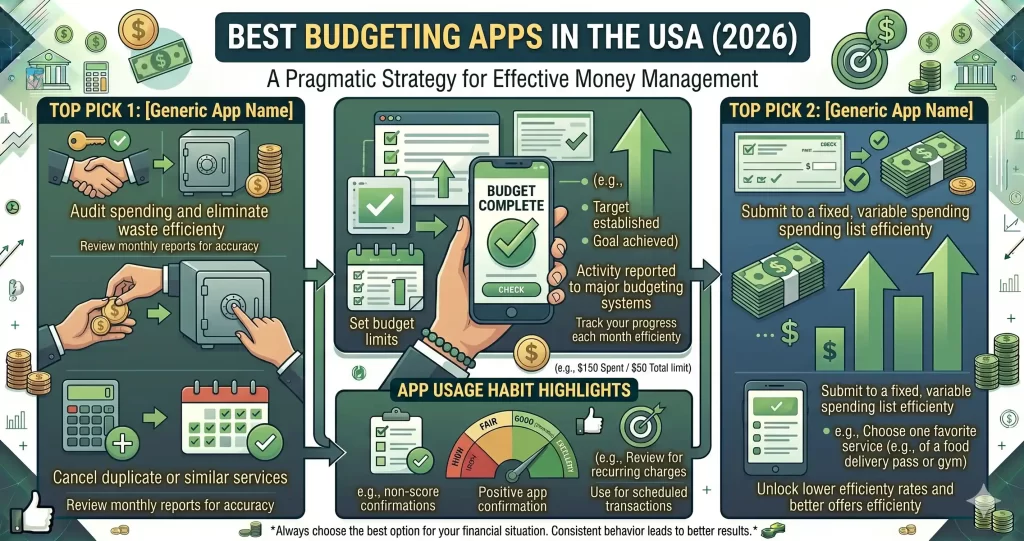
Managing money has become easier than ever thanks to budgeting apps.
Whether you want to:
- Save more money
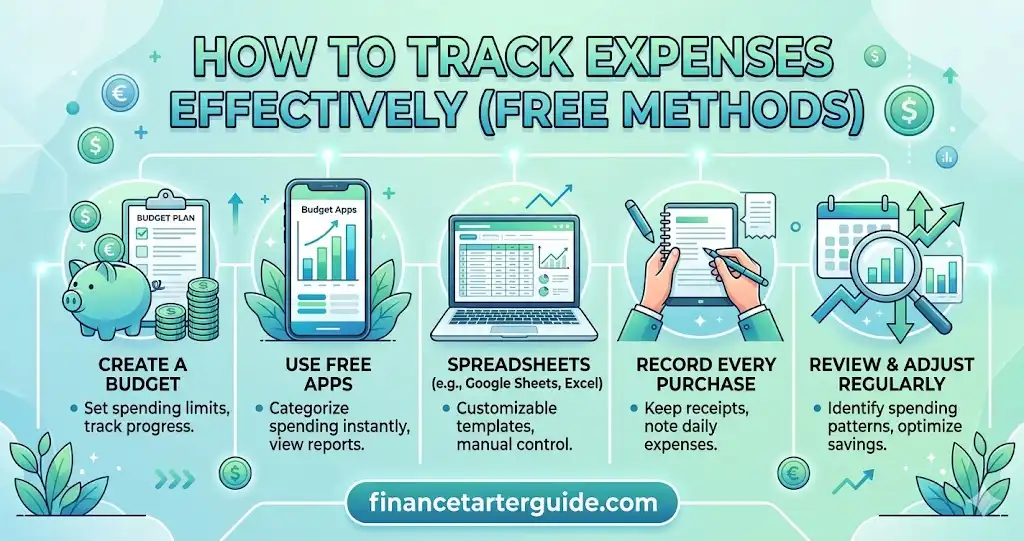
- Track expenses
- Stop overspending
- Build better financial habits
The right budgeting app can completely change how you manage your finances.
In this guide, you’ll discover:
- The best budgeting apps in the USA
- Which apps are best for beginners
- Free vs paid budgeting apps
- Features to look for
- How budgeting apps help you save money faster
🔥 QUICK ANSWER
The best budgeting apps in the USA help users:
- Track spending
- Create budgets
- Save money automatically
- Monitor financial goals
👉 Budgeting apps make managing money simpler and more organized.
📊 WHY BUDGETING APPS ARE IMPORTANT
Many people struggle financially because they don’t know where their money goes.
Budgeting apps solve this problem by helping users:
- Monitor spending
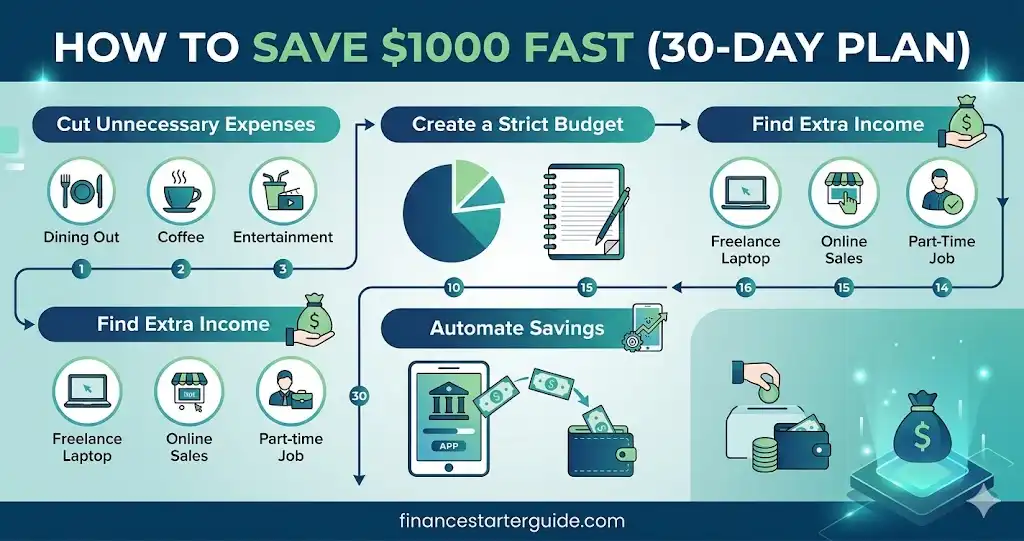
- Reduce unnecessary expenses
- Build savings faster
- Stay financially organized
👉 Awareness is the first step toward better financial habits.
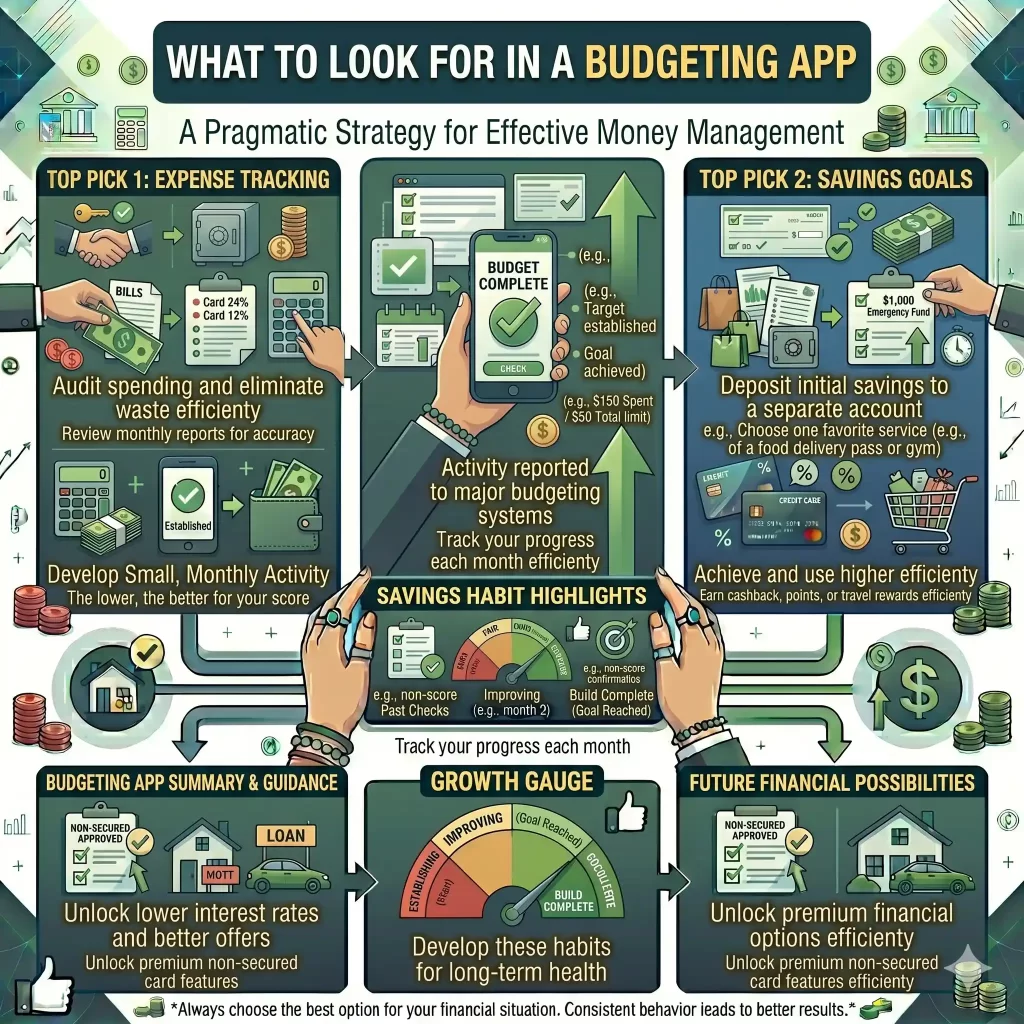
🚀 WHAT TO LOOK FOR IN A BUDGETING APP
Before choosing an app, look for these important features.
✅ Easy-to-Use Interface
Complicated apps often discourage consistency.
👉 Beginners should choose apps with:
- Clean design
- Simple navigation
- Easy tracking tools
✅ Expense Tracking
The best apps automatically categorize spending.
Categories include:
- Food
- Rent
- Transportation
- Entertainment
👉 This helps identify areas where money is wasted.
✅ Budget Planning Tools
A good app allows users to:
- Set monthly limits
- Track savings goals
- Monitor spending habits
✅ Bank Account Integration
Many budgeting apps connect directly to:
- Checking accounts
- Credit cards
- Savings accounts
👉 Automatic syncing saves time.
✅ Savings Goals
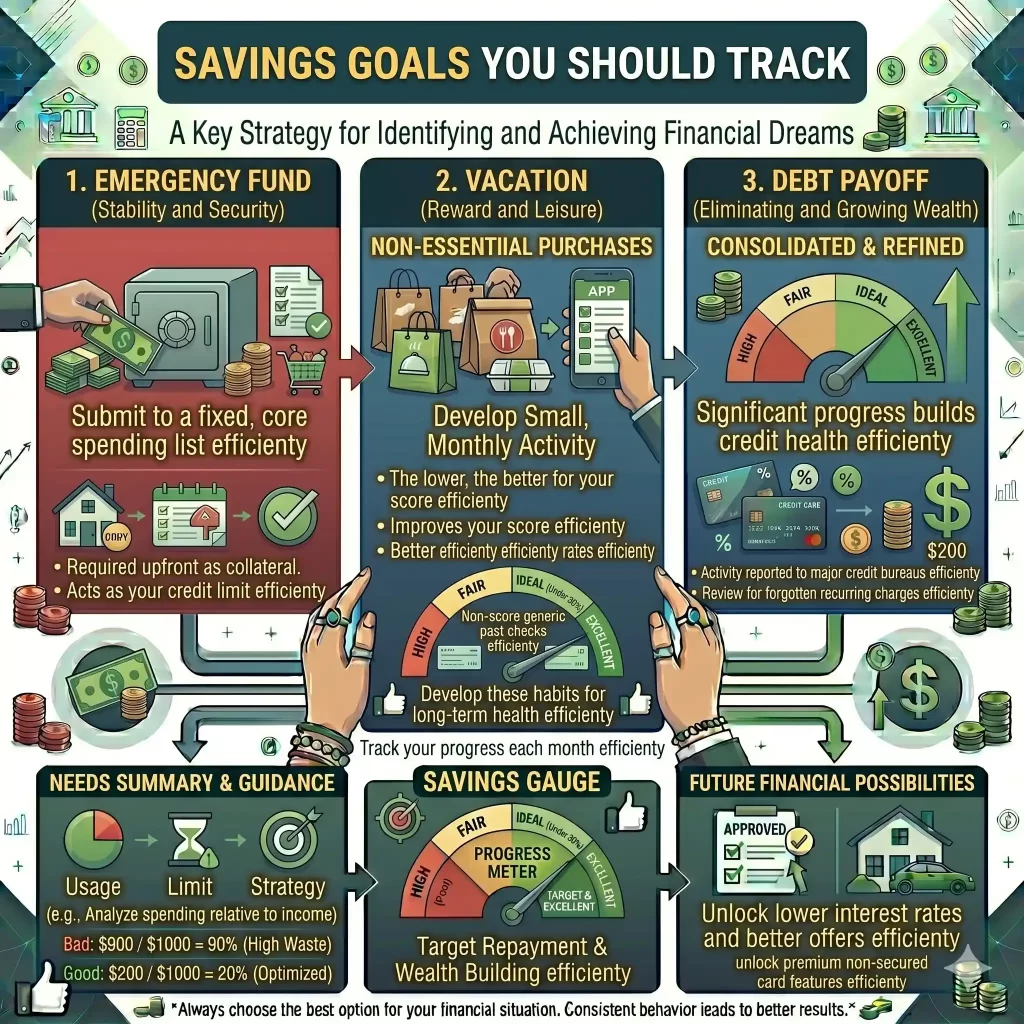
Some apps allow users to:
- Set emergency fund goals
- Save for vacations
- Track debt payoff progress
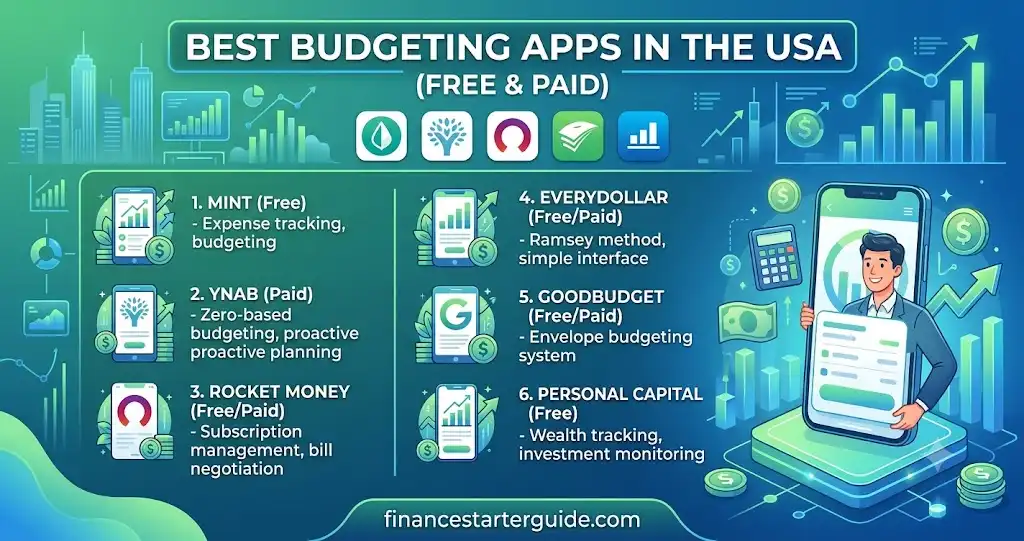
🏆 Best Budgeting Apps in the USA (2026)
1. YNAB
Best Overall Budgeting App
YNAB uses a zero-based budgeting system where every dollar has a job.
Pros
✅ Excellent budgeting framework
✅ Strong educational resources
✅ Goal planning tools
Cons
❌ Monthly subscription required
Best For
People serious about budgeting and financial control.
2. Monarch Money
Best Premium Budgeting App
Monarch Money combines budgeting, investment tracking, and financial planning.
Pros
✅ Clean interface
✅ Family budgeting support
✅ Investment tracking
Cons
❌ Subscription cost
Best For
Households managing multiple financial accounts.
3. EveryDollar
Best for Beginners
Based on the popular zero-based budgeting method.
Pros
✅ Easy setup
✅ Beginner-friendly
✅ Clear budgeting structure
Cons
❌ Limited free features
Best For
First-time budgeters.
4. PocketGuard
Best for Expense Tracking
PocketGuard shows how much money is safe to spend after bills and savings.
Pros
✅ Simple dashboard
✅ Spending insights
✅ Bill tracking
Cons
❌ Some advanced features require premium plans
5. Rocket Money
Best for Subscription Management
Rocket Money helps identify recurring subscriptions and unnecessary spending.
Pros
✅ Subscription tracking
✅ Spending alerts
✅ Easy-to-use interface
Cons
❌ Premium features cost extra
6. Goodbudget
Best Envelope Budgeting App
Uses the traditional envelope budgeting system digitally.
Pros
✅ Great for couples
✅ Easy category management
Cons
❌ Less automation
7. Empower Personal Dashboard
Best for Net Worth Tracking
Tracks investments, spending, and overall financial health.
Pros
✅ Investment tracking
✅ Retirement planning tools
Cons
❌ Less focused on detailed budgeting
8. Honeydue
Best for Couples
Designed specifically for partners managing finances together.
Pros
✅ Shared budgeting
✅ Bill reminders
✅ Communication tools
Cons
❌ Limited advanced planning features
📊 Budgeting App Comparison Table
| App | Best For | Free Version |
|---|---|---|
| YNAB | Overall Budgeting | Trial |
| Monarch Money | Premium Budgeting | Trial |
| EveryDollar | Beginners | Yes |
| PocketGuard | Expense Tracking | Yes |
| Rocket Money | Subscription Tracking | Yes |
| Goodbudget | Envelope Budgeting | Yes |
| Empower | Net Worth Tracking | Yes |
| Honeydue | Couples | Yes |
Which Budgeting App Should You Choose?
Complete Beginners
Choose:
- EveryDollar
- Rocket Money
Serious Budgeters
Choose:
- YNAB
- Monarch Money
Couples
Choose:
- Honeydue
- Goodbudget
Investors
Choose:
- Empower Personal Dashboard
Subscription Management
Choose:
- Rocket Money
⚡ FREE VS PAID BUDGETING APPS
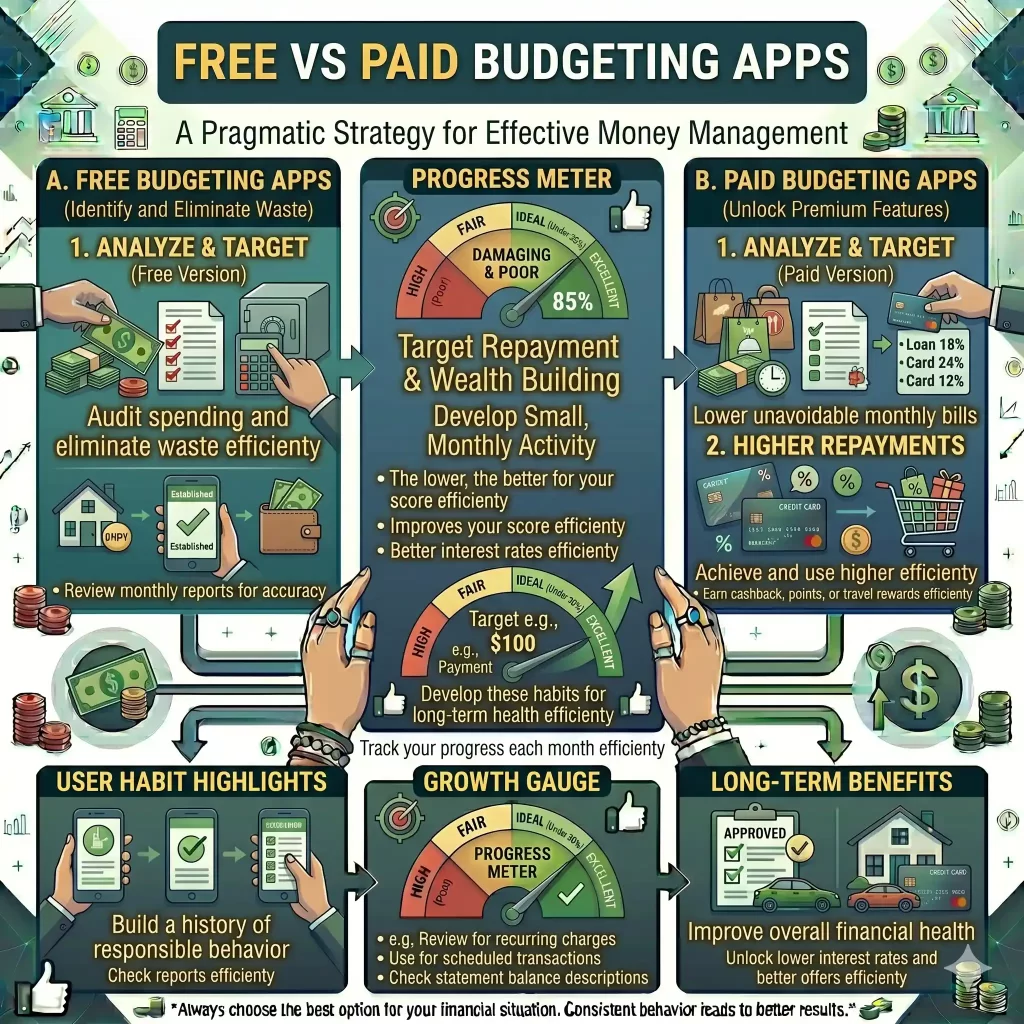
| Feature | Free Apps | Paid Apps |
|---|---|---|
| Expense tracking | Yes | Yes |
| Advanced reports | Limited | Better |
| Financial coaching | Rare | Sometimes |
| Goal tracking | Basic | Advanced |
👉 Beginners can start with free apps first.
💡 HOW BUDGETING APPS HELP YOU SAVE MONEY
Budgeting apps improve saving by:
- Showing spending patterns
- Reducing impulse purchases
- Encouraging accountability
- Automating savings
👉 Small improvements create major long-term financial benefits.
🔥 BEST FEATURES FOR BEGINNERS
If you’re just starting, prioritize:
✅ Simplicity
✅ Automatic tracking
✅ Savings reminders
✅ Goal setting
✅ Debt tracking
📈 HOW TO USE A BUDGETING APP EFFECTIVELY
1. Track Expenses Daily
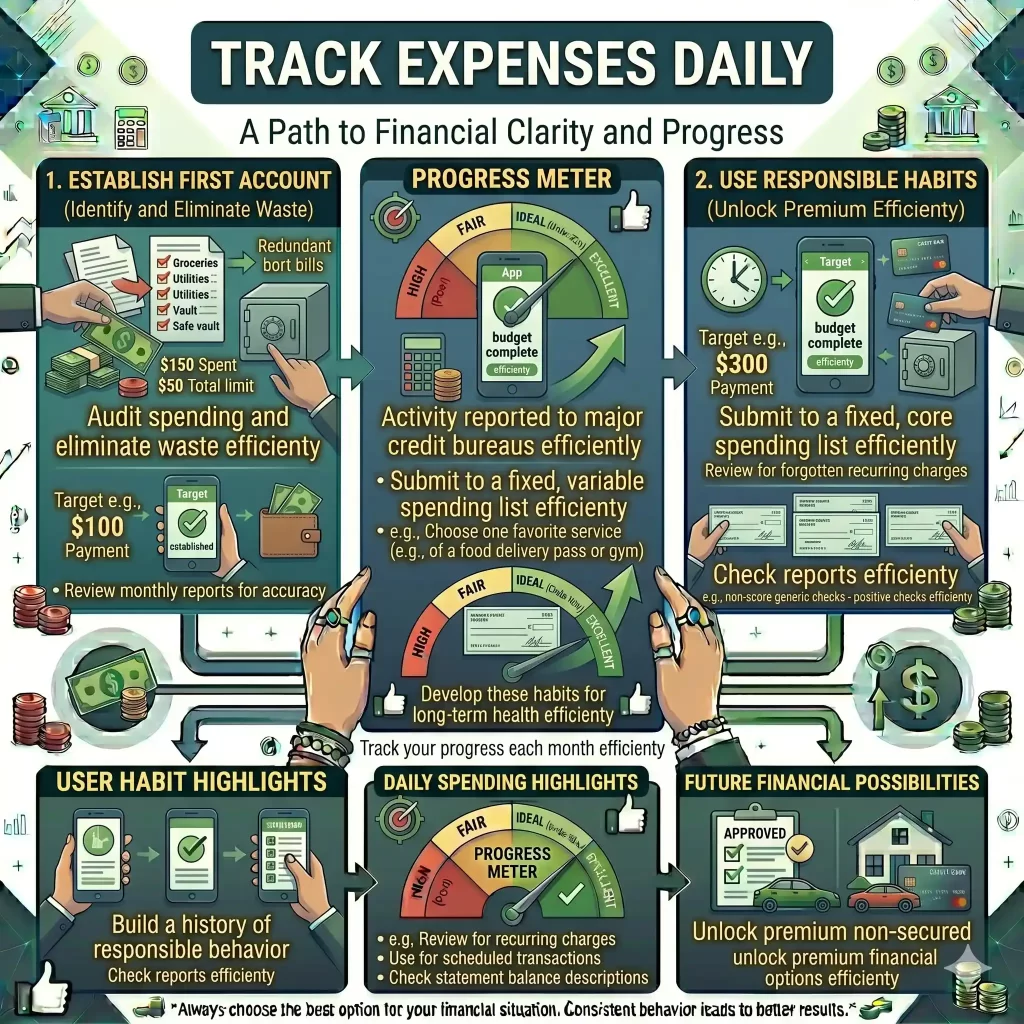
Consistency matters more than perfection.
👉 Spend 2–3 minutes reviewing expenses daily.
2. Set Realistic Budgets
Unrealistic budgets often fail quickly.
👉 Leave room for occasional entertainment and flexibility.
3. Create Savings Goals
Examples:
- Emergency fund
- Vacation savings
- Debt payoff
👉 Goals increase motivation.
4. Review Spending Weekly
Weekly reviews help identify:
- Overspending habits
- Subscription waste
- Problem categories
5. Connect Financial Accounts
Automatic syncing improves accuracy and convenience.
💸 COMMON MONEY LEAKS BUDGETING APPS REVEAL
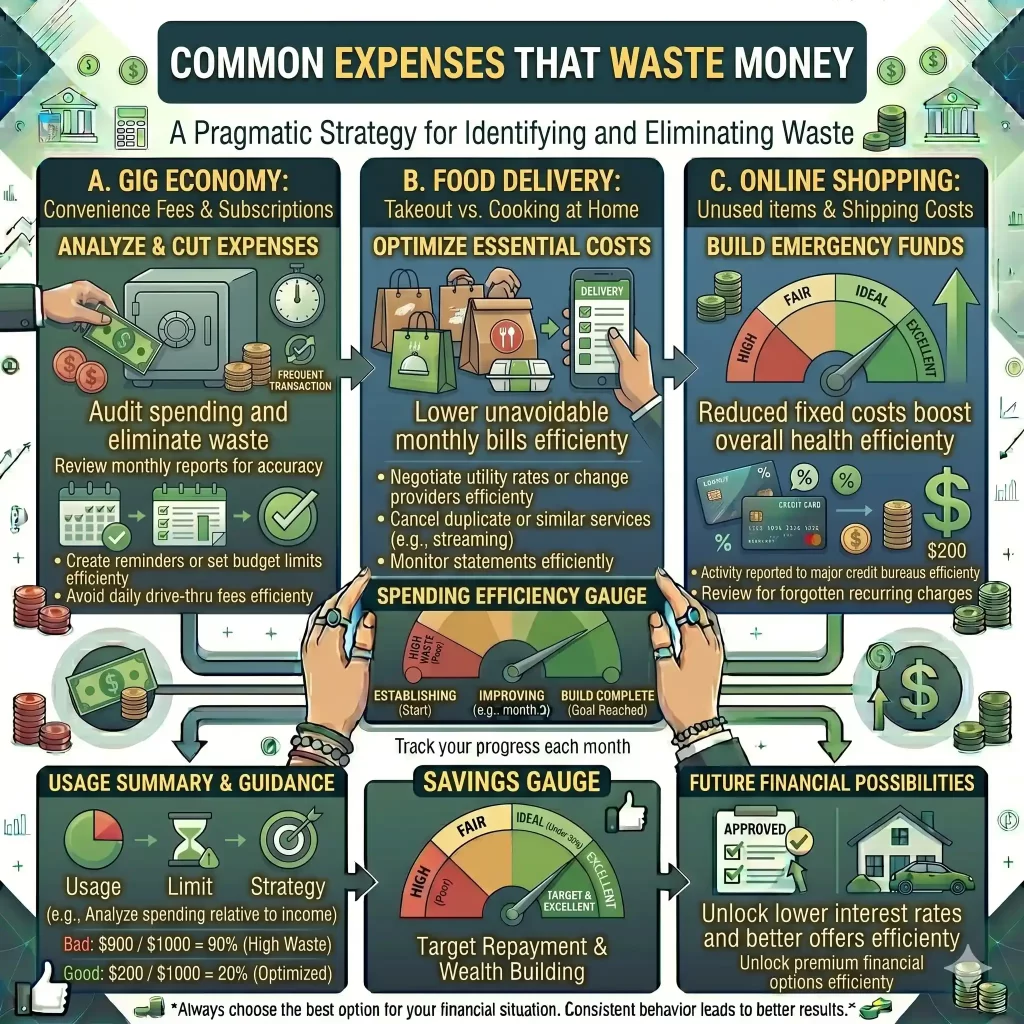
Most users are surprised by:
- Food delivery costs
- Streaming subscriptions
- Online shopping
- Coffee purchases
👉 Small daily expenses often become huge monthly costs.
⚠️ COMMON BUDGETING MISTAKES
❌ Not checking the app regularly
Budgeting only works with consistency.
❌ Setting unrealistic limits
Extreme restrictions cause frustration.
❌ Ignoring emergency savings
Unexpected expenses can destroy budgets.
❌ Forgetting annual expenses
Insurance and yearly bills should be included.
🧠 BEST BUDGETING METHOD FOR BEGINNERS
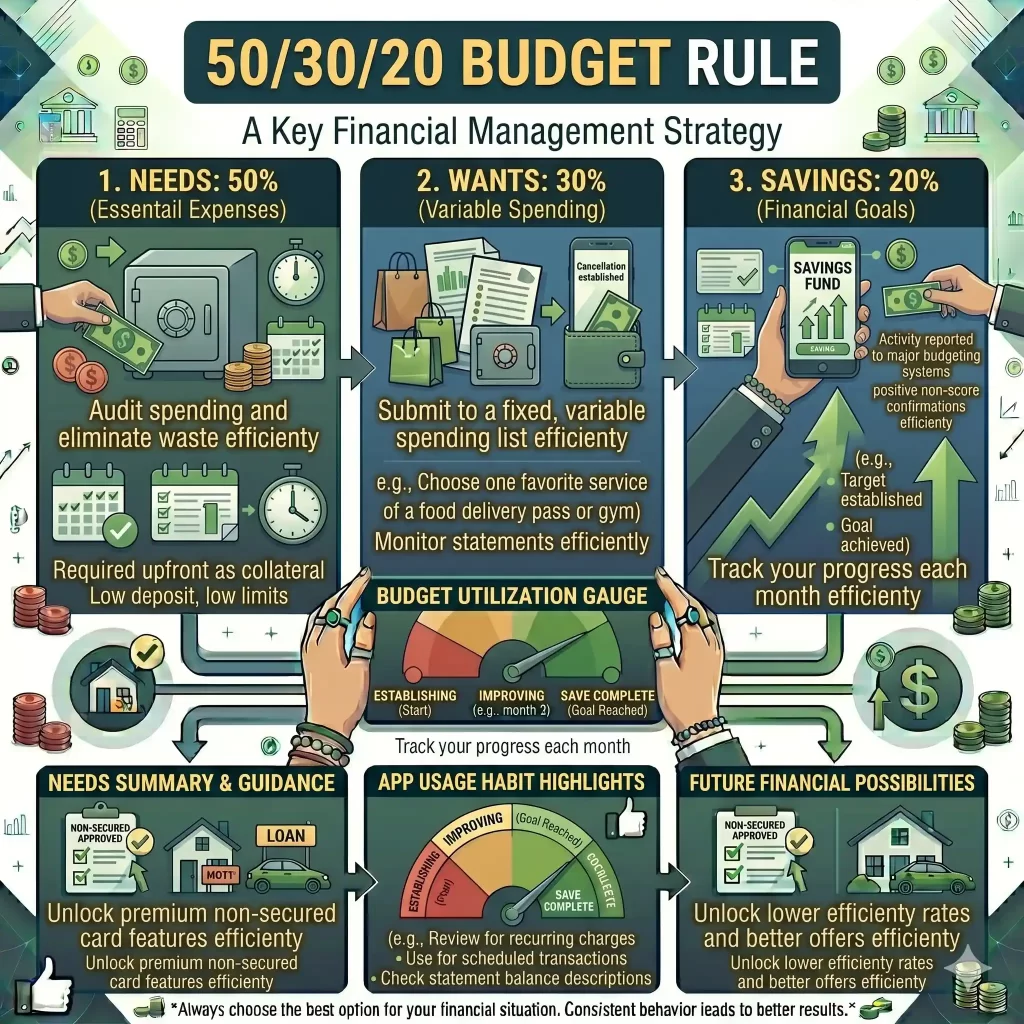
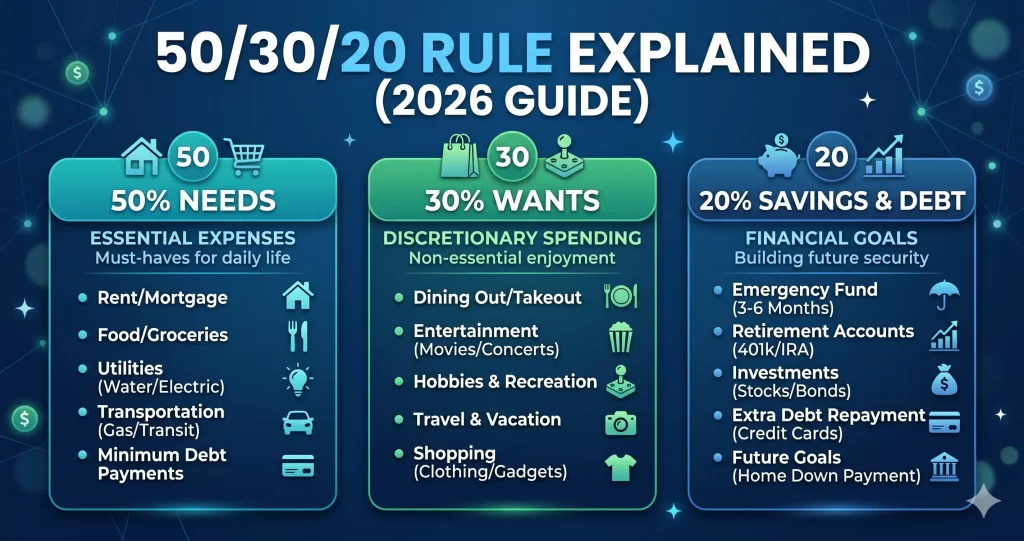
The 50/30/20 Rule
50% → Needs
- Rent
- Bills
- Groceries
30% → Wants
- Entertainment
- Shopping
20% → Savings & debt payoff
👉 This is one of the easiest systems to follow.
📊 HOW MUCH MONEY CAN YOU SAVE WITH A BUDGETING APP?
Most users save:
- $100–$500/month
Simply by:
- Tracking expenses
- Reducing waste
- Staying accountable
👉 Over time, this creates major financial improvements.
🔥 BEST BUDGETING APP FEATURES FOR CREDIT IMPROVEMENT
Some apps help users:
- Track credit card spending
- Reduce debt
- Improve payment habits
👉 Better budgeting often improves credit scores too.
🧠 FAQ SECTION
What is the best budgeting app in the USA?
The best budgeting app depends on your goals, but beginners should choose apps with simple expense tracking and savings tools.
Are budgeting apps safe to use?
Most reputable budgeting apps use encryption and security features to protect user data.
Can budgeting apps help save money?
Yes, budgeting apps help users track expenses, reduce waste, and improve saving habits.
Are free budgeting apps worth it?
Yes, many free apps provide excellent budgeting and expense tracking features.
Which budgeting app is best for beginners?
Simple and easy-to-use apps are best for beginners learning financial management.
🏆 FINAL THOUGHTS
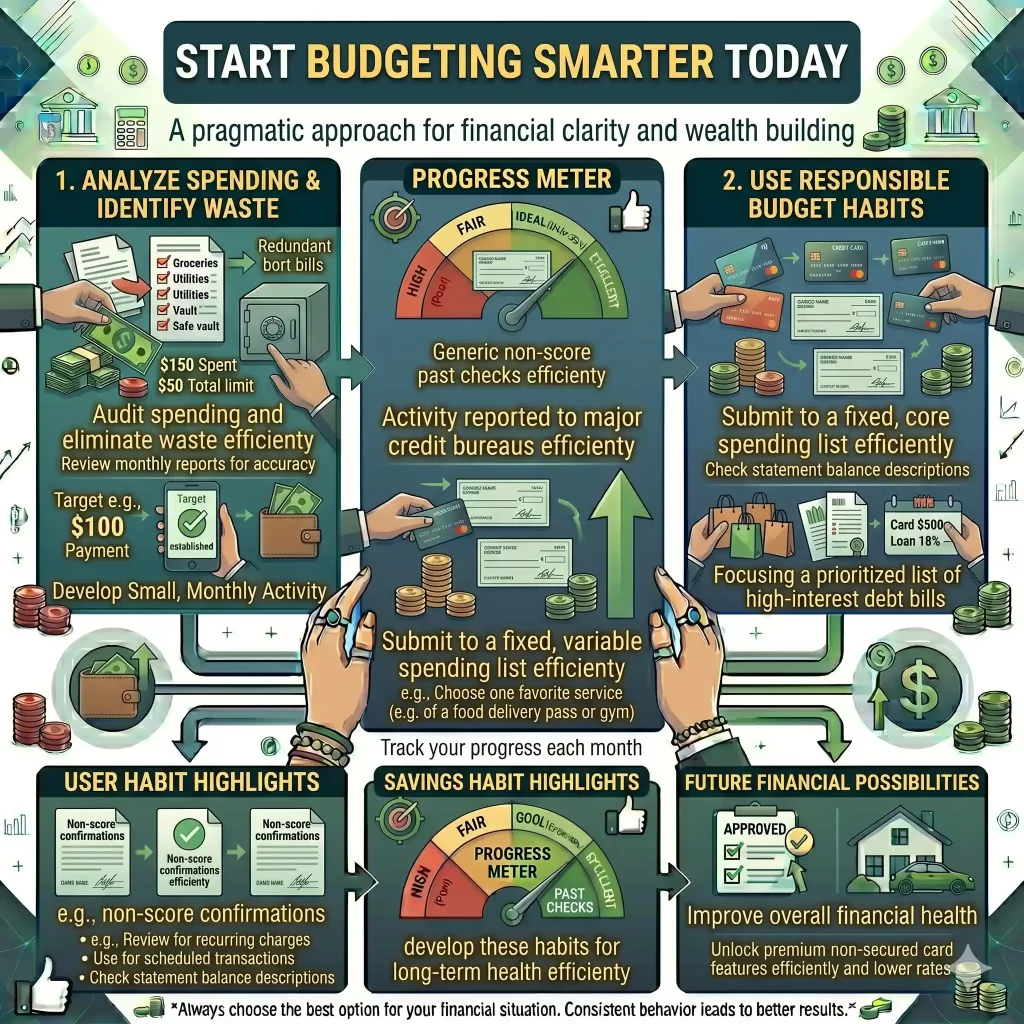
Budgeting apps are powerful tools for improving financial habits and saving money faster.
The best budgeting app is the one you’ll actually use consistently.
👉 Start simple, stay consistent, and focus on long-term financial progress.
Disclaimer: This article is for educational and informational purposes only and does not constitute financial, investment, tax, or legal advice.


Pingback: What Is a Budget? (USA Beginner Guide 2026) - Finance Starter Guide
Pingback: 50/30/20 Rule Explained (With US Examples) Beginner Budget Guide 2026
Pingback: How to Save Money Fast on a Low Income (USA Guide 2026)
Pingback: Best Budgeting Apps in the USA (Free & Paid) — 2026 Guide - Finance Starter Guide
Pingback: Top 15 Money Saving Tips That Actually Work in the USA (2026 Guide)